
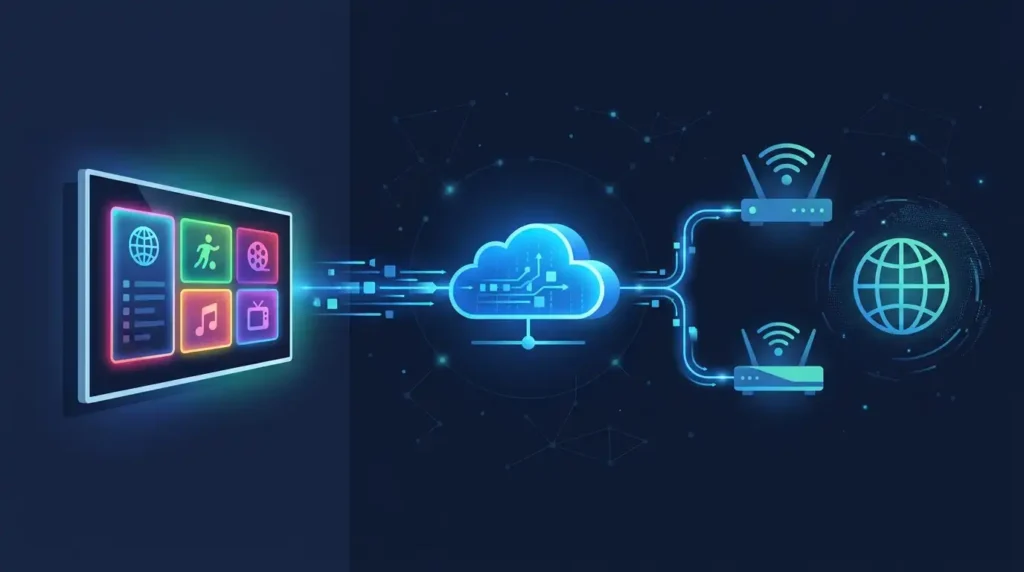
Most people sign up for an IPTV service, tap play, and the stream just appears. But if you have ever wondered what is actually happening behind that tap, this guide is for you. No engineering degree required.
Get a Free Trial for 24 Hours
Don’t wait, don’t hesitate. Claim your free IPTV trial right now and see the difference for yourself before you commit to anything.
Get My Free Trial →What IPTV Actually Means
It Is TV Over the Internet
IPTV stands for Internet Protocol Television. Instead of receiving TV signals through a satellite dish or cable wire, your content travels over the same internet connection you already use for browsing and video calls.
The “IP” part is the same technology that moves every email, website, and YouTube video to your screen. IPTV simply applies it to live TV and on-demand content.
How It Differs From Traditional TV
Think of traditional cable like a radio broadcast. It transmits everything at once, and your TV tunes in to whichever channel you want. You receive the full broadcast whether you watch it or not.
IPTV works more like a video call. Your device sends a specific request, and the server sends back only what you asked for — that one channel or that one show, directly to you. It is on-demand delivery, even for live TV.
Why This Matters for You
Because content is delivered on demand, IPTV services can offer far more channels than cable — including international options — without needing physical infrastructure in your area. Nova Prime IPTV carries 17,000+ live channels and 60,000+ on-demand titles across USA, UK, Canada, India, Middle East, and beyond. You can explore everything that is included on the Nova Prime features page.
The Request-to-Stream Journey
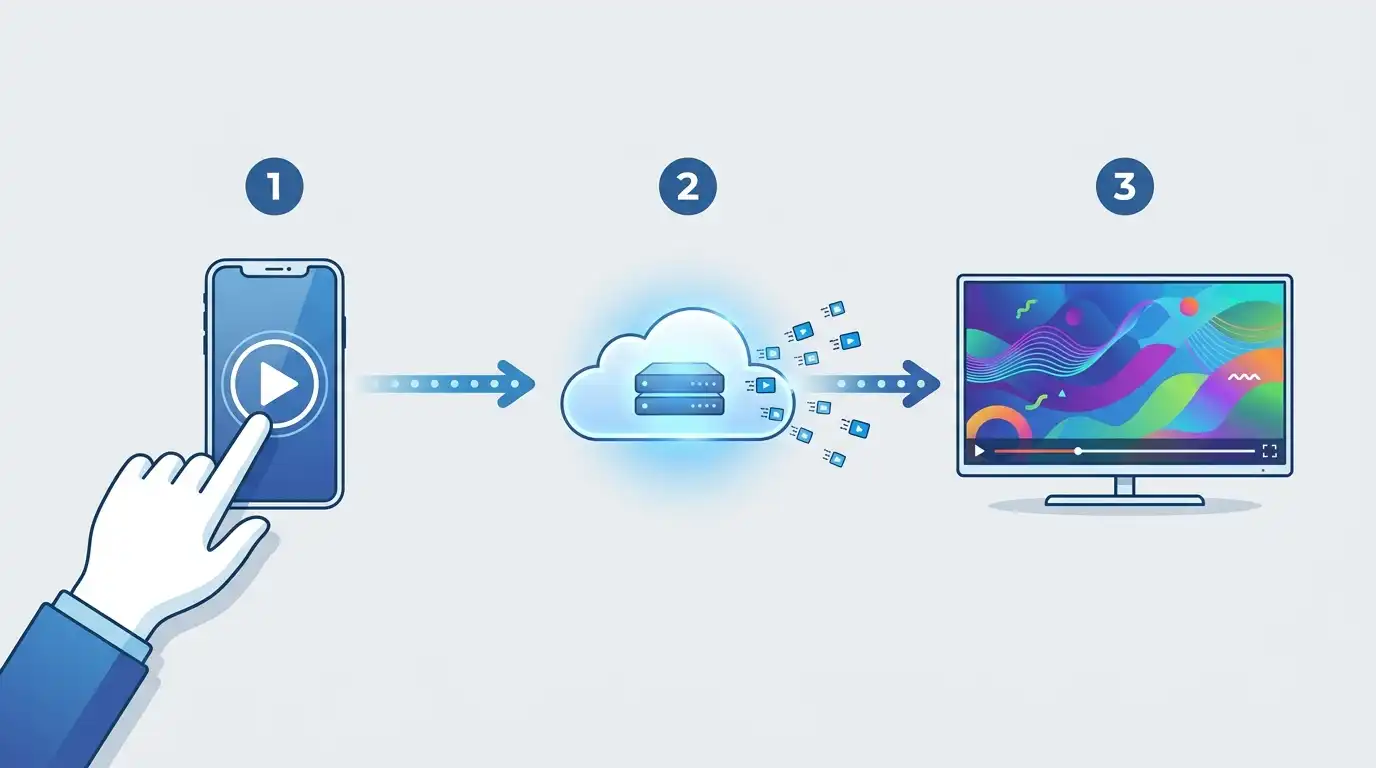
Step 1: Your Device Sends a Request
When you tap a channel or hit play on a movie, your app sends a request over your internet connection to the IPTV provider’s servers. This happens in milliseconds.
The request essentially says: send me this channel, starting now. The server receives it, locates the stream, and begins delivery.
Step 2: The Server Delivers the Stream
The provider’s servers package the video content into small data packets and send them continuously over the internet to your device. This is called streaming — data flows in real time rather than downloading the whole file first.
A stable internet connection matters a lot here. For HD streams, most providers recommend at least 10 Mbps per stream. 4K content typically needs 25 Mbps or more. If you run into buffering, switching to a wired ethernet connection and restarting your router resolves the issue in most cases.
Step 3: Your Device Decodes and Displays
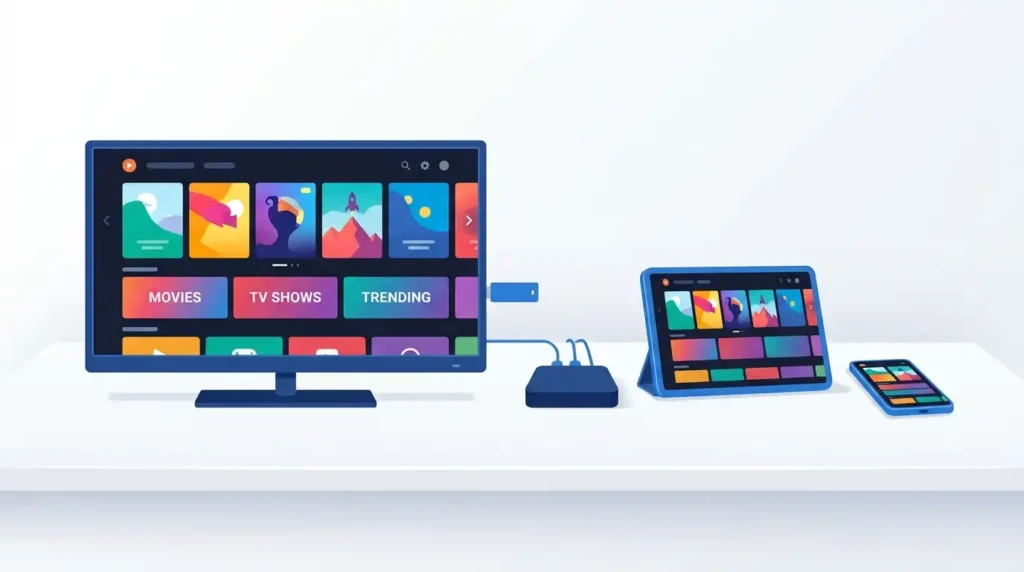
Your device — whether a Firestick, Smart TV, Android Box, or phone — receives those data packets and decodes them into the video and audio you see on screen. Modern devices handle this automatically through built-in media players or a dedicated IPTV app.
The whole process happens so fast it feels instant.
What You Need for IPTV to Work
Getting set up is simpler than most people expect. Three things are all you need:
- A reliable internet connection — This is the single biggest factor in stream quality. A slow or unstable connection causes buffering. Check your speeds before assuming anything else is wrong. Most households with a standard broadband plan are already good to go.
- A compatible device — IPTV works on Amazon Firestick, Android TV boxes, Smart TVs, smartphones, tablets, and more. Firestick is the most popular choice for beginners due to its simplicity. Android boxes offer more flexibility for users who want more control.
- An active IPTV subscription — Your app connects to the provider’s servers using your account credentials. Without a valid subscription, there is nothing to stream. Nova Prime offers flexible plans starting from one month. View all subscription options and pricing here before committing.
Get a Free Trial for 24 Hours
Don’t wait, don’t hesitate. Claim your free IPTV trial right now and see the difference for yourself before you commit to anything.
Get My Free Trial →Common Questions About IPTV Technology
Is IPTV the Same as Netflix?
Similar concept, different model. Netflix is a closed platform with its own curated content library. IPTV delivers live TV channels alongside on-demand content — far closer to a traditional cable replacement, but delivered over the internet. For a full look at what Nova Prime includes across plans, visit the Nova Prime pricing page.
Does IPTV Work Without a Cable Box?
Yes. You do not need a cable box or satellite dish. Any internet-connected device with a compatible app receives IPTV streams directly. Not sure if it works on your device? Nova Prime offers a free 24-hour trial with no credit card required — test it on your own hardware before spending anything.
Is IPTV Legal?
IPTV technology is fully legal. What matters is the source of the content being streamed. Licensed IPTV providers operate legitimately and deliver properly authorized content. Always choose a reputable, established service.
What Causes IPTV Buffering?
Usually internet speed or network congestion. A wired ethernet connection almost always outperforms Wi-Fi for IPTV stability. Moving closer to your router or upgrading to a faster plan typically resolves it. For 4K streams especially, make sure your connection consistently delivers 25 Mbps or above.
What Internet Speed Do I Need for IPTV?
- HD streaming: 10 Mbps minimum per stream
- Full HD (1080p): 15 Mbps recommended
- 4K Ultra HD: 25 Mbps or more
If multiple people are streaming simultaneously, add those speeds together.
Ready to Try IPTV?
Now that you understand how it works, the next step is finding a service that fits your setup. Nova Prime IPTV gives you 15,000+ live channels, 60,000+ movies and shows, HD and 4K quality, and a 99.9% uptime guarantee — all backed by 24/7 customer support.
The best part? You can start with a free 24-hour trial — no credit card, no commitment. Test stream quality on your own device and your own connection before choosing a plan.
When you are ready, view all available plans and get started today.
Get a Free Trial for 24 Hours
Don’t wait, don’t hesitate. Claim your free IPTV trial right now and see the difference for yourself before you commit to anything.
Get My Free Trial →