
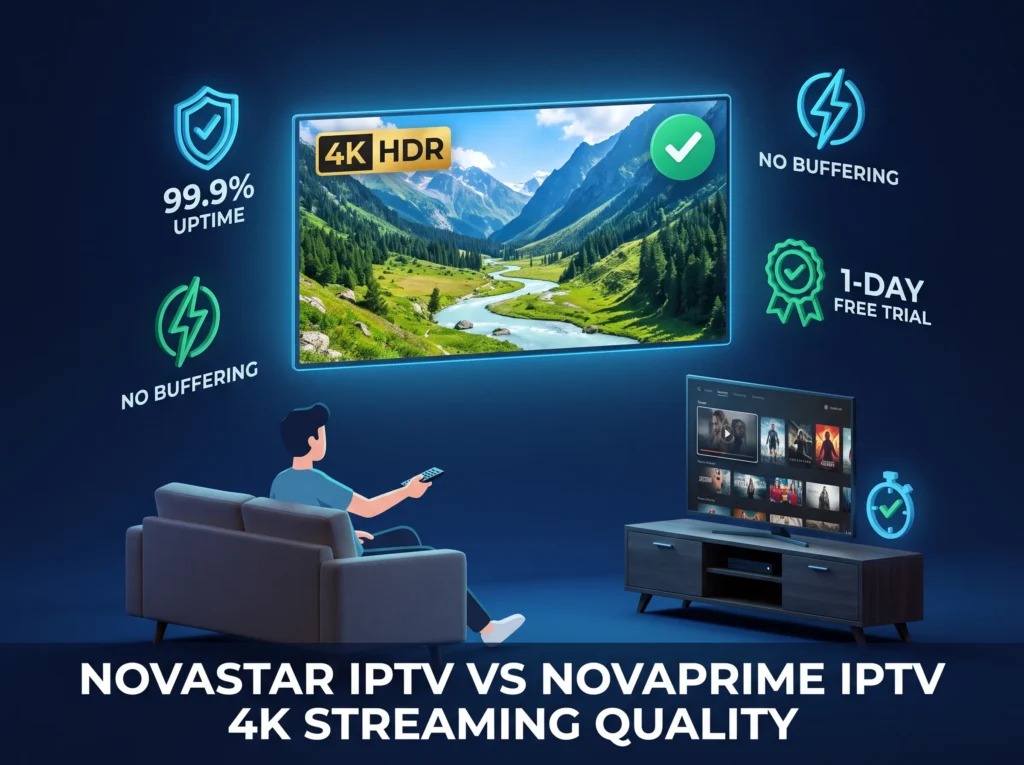
Picture quality is personal. Some people are fine with standard definition on a small screen. Others refuse to watch anything below 1080p on their living room television. But regardless of where you land on that spectrum, one thing holds true for everyone — a stream that freezes, pixelates, or drops mid-show is a stream that ruins the experience completely.
Before you commit to any IPTV subscription, streaming quality deserves serious attention. In this comparison, we look at how NovaStar IPTV and NovaPrime IPTV measure up when it comes to resolution, buffering, server stability, and overall watchability.
Get a Free Trial for 24 Hours
Don’t wait, don’t hesitate. Claim your free IPTV trial right now and see the difference for yourself before you commit to anything.
Get My Free Trial →For the full picture on both services, the NovaStar IPTV vs NovaPrime IPTV complete comparison covers every category in one place.
NovaStar IPTV Streaming Quality — What We Could Verify
No Confirmed Resolution Standards
One of the first things a reputable IPTV provider publishes is the streaming quality it supports. Whether that is SD, HD, Full HD, or 4K, subscribers need to know what they are getting before they pay. NovaStar IPTV does not publicly confirm what resolution standards its streams operate at, which makes it genuinely difficult to set expectations before subscribing.
No Uptime or Stability Data Available
Server uptime is a critical metric for any streaming service. A provider confident in its infrastructure will publish uptime figures or at minimum reference them in its marketing. No independently verified uptime percentage or server stability data for NovaStar IPTV was found at the time of writing.
No Anti-Buffering Technology Mentioned
Modern IPTV services invest in anti-freeze and buffer management technology specifically because buffering is the single most common complaint among IPTV users. Whether NovaStar IPTV employs any such technology is not publicly documented.
NovaPrime IPTV Streaming Quality — Full Breakdown
Four Resolution Tiers Including 4K
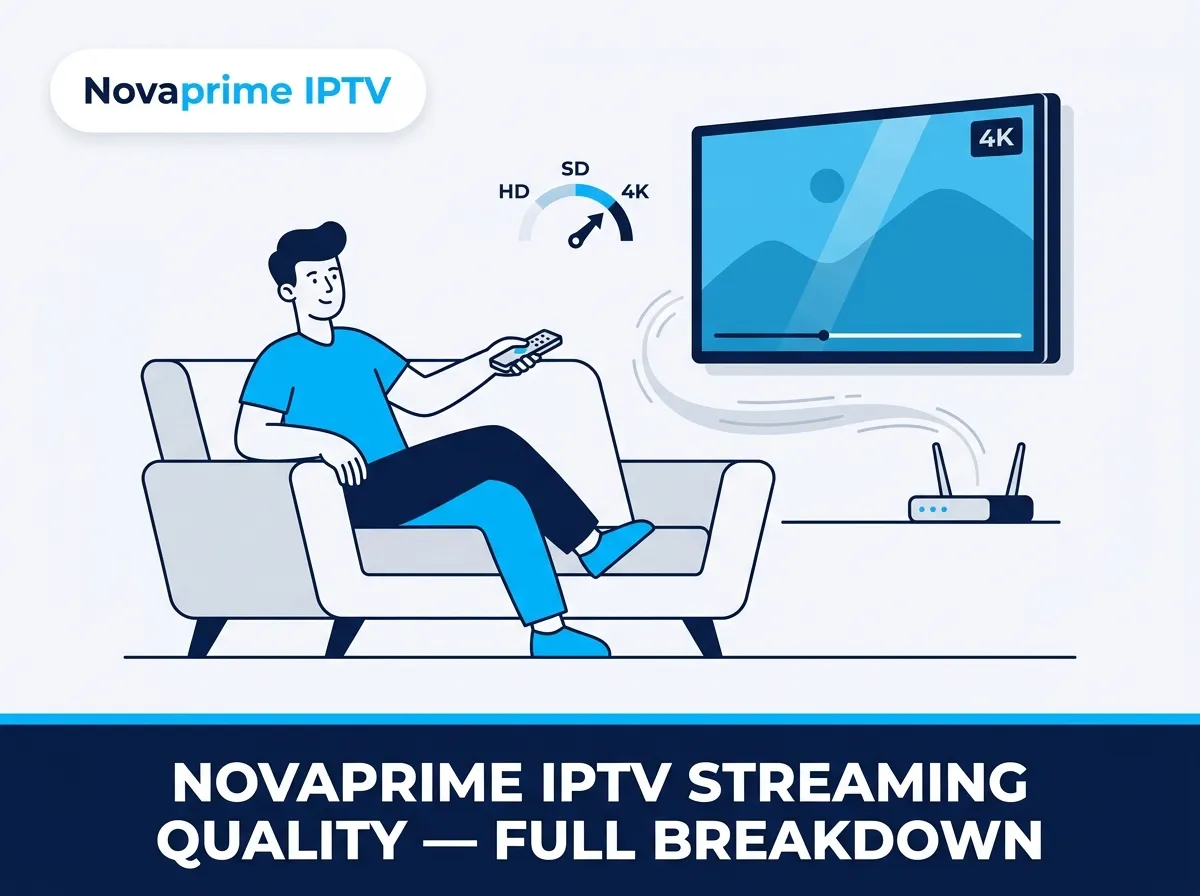
NovaPrime IPTV streams across four quality levels — SD, HD, Full HD at 1080p, and 4K Ultra High Definition. This means the service adapts to both your internet connection and your display device. If your television supports 4K and your connection is fast enough, you get the sharpest picture available. If your connection fluctuates, NovaPrime steps the quality down gracefully rather than dropping the stream entirely.
This approach makes a real practical difference on a nightly basis. You are not fighting the service to maintain a watchable picture. It handles that adjustment automatically in the background.
99.9 Percent Uptime and What That Actually Means
NovaPrime operates at 99.9 percent server uptime. To put that in concrete terms, that translates to less than nine hours of potential downtime across an entire year. For a service you rely on daily for news, entertainment, and live events, that figure matters.
Most cable outages last longer than that in a single incident. Keeping your stream reliable across peak viewing hours, live events, and high-traffic periods requires significant server infrastructure. NovaPrime has built that infrastructure specifically for its North American subscriber base.
Anti-Freeze Technology Built Into the Service
Buffering on IPTV is almost never a problem with the content itself. It is usually a combination of server load, routing inefficiency, and the absence of proper stream management on the provider side. NovaPrime uses anti-freeze technology that monitors stream health in real time and corrects instability before it reaches your screen as a visible freeze or pixelation.
If you have dealt with buffering issues on a previous IPTV service, the fix IPTV buffering and freezing guide explains the common causes and how NovaPrime addresses them at the infrastructure level.
Get a Free Trial for 24 Hours
Don’t wait, don’t hesitate. Claim your free IPTV trial right now and see the difference for yourself before you commit to anything.
Get My Free Trial →Side-by-Side Streaming Quality Comparison
| Feature | NovaStar IPTV | NovaPrime IPTV |
| SD Streaming | Not confirmed | Yes |
| HD Streaming | Not confirmed | Yes |
| Full HD 1080p | Not confirmed | Yes |
| 4K Streaming | Not confirmed | Yes |
| Server Uptime | Not verified | 99.9 percent |
| Anti-Freeze Technology | Not mentioned | Yes |
| Adaptive Bitrate | Not confirmed | Yes |
| Buffer Management | Unknown | Yes |
Does Your Internet Speed Affect Streaming Quality?
The Connection Side of the Equation
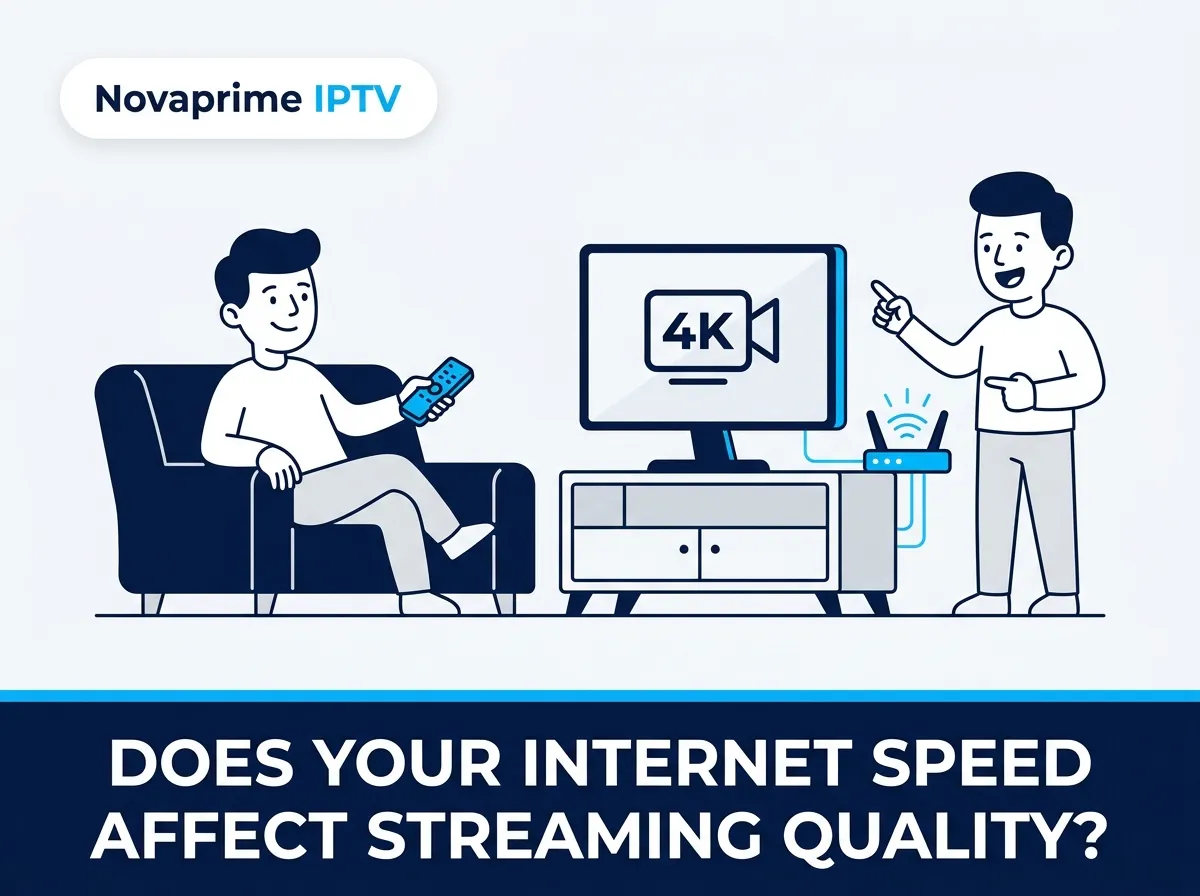
Streaming quality is a two-part equation. The provider controls one side — server infrastructure, encoding, uptime. You control the other side through your home internet connection. A 4K stream requires a stable connection of at least 25 Mbps. HD streaming works reliably from around 10 Mbps. If your connection sits below those thresholds, even the best IPTV infrastructure will struggle to deliver a clean picture.
What NovaPrime Recommends
NovaPrime recommends a minimum of 10 Mbps for HD streaming and 25 Mbps or above for 4K content. These are standard industry benchmarks and NovaPrime’s infrastructure is built to fully utilize that bandwidth when it is available to you.
Device Performance Also Plays a Role
An underpowered streaming device can bottleneck an otherwise excellent stream. A high-quality signal from NovaPrime’s servers still needs a capable device to decode and display it properly. The NovaStar IPTV vs NovaPrime IPTV device compatibility comparison covers which devices handle NovaPrime’s streams best and which setups to avoid.
Real-World Streaming Experience on NovaPrime
There is a difference between what a service claims on a marketing page and what it actually delivers on a Tuesday evening when you sit down to watch something. NovaPrime subscribers consistently report that the experience matches the description — stable streams, quick channel switching, and 4K content that loads without a lengthy buffering delay.
The most common feedback from users who previously used other IPTV providers is that channel switching speed improved noticeably when they moved to NovaPrime. On lower-quality services, switching between channels can take three to five seconds and occasionally freeze. On NovaPrime, that transition is close to instant.
For broader user feedback on both services, the NovaStar IPTV vs NovaPrime IPTV user reviews article compiles real subscriber experiences across multiple categories including streaming quality.
Which Service Delivers a Better Streaming Experience?
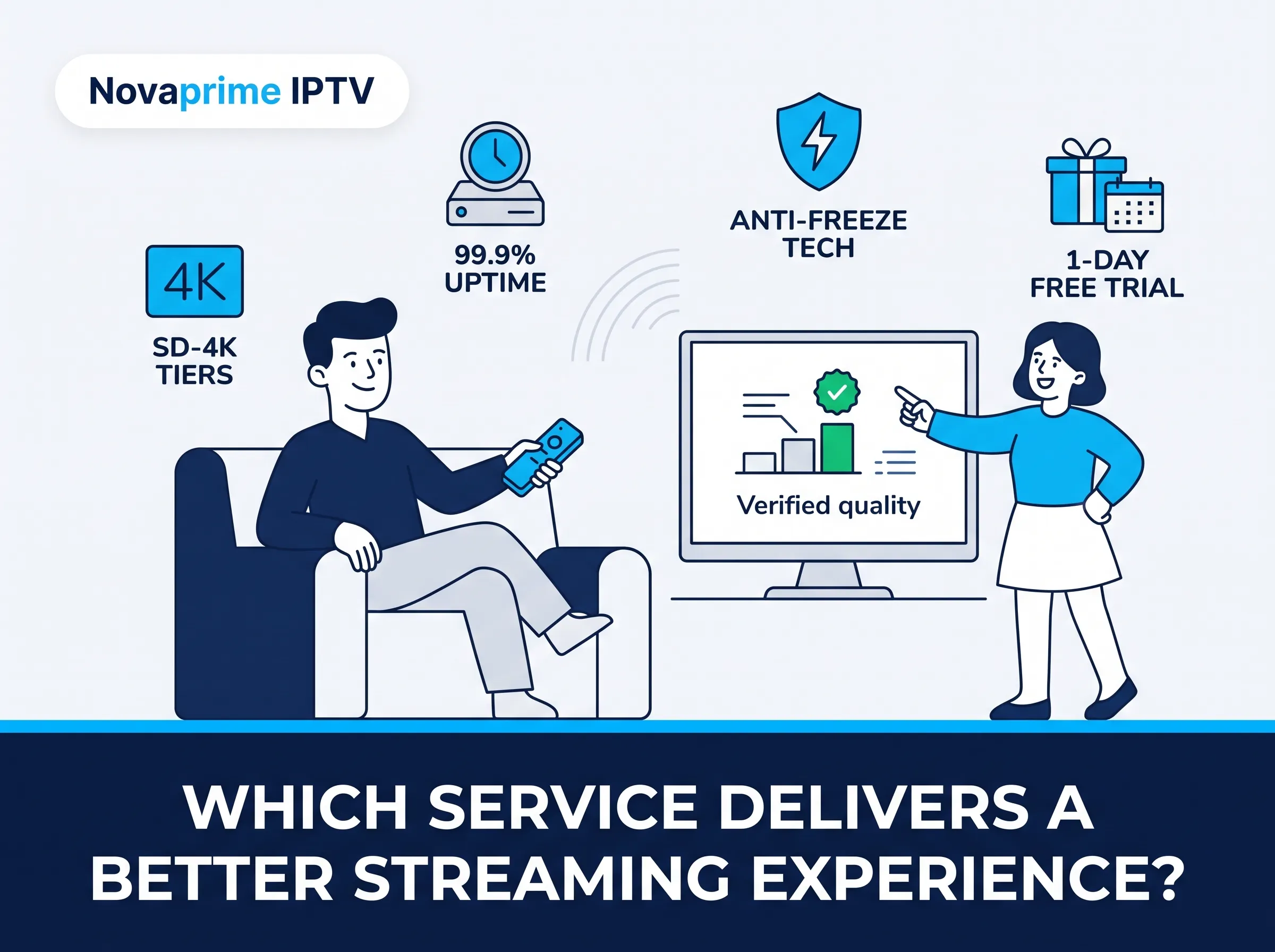
The answer here is straightforward. NovaPrime IPTV provides documented, verifiable streaming quality across four resolution tiers, a published 99.9 percent uptime figure, and built-in anti-freeze technology. NovaStar IPTV does not publicly confirm any equivalent information.
When streaming quality is your priority, you need a provider that is transparent about what it delivers and has the infrastructure to back it up. NovaPrime meets both of those criteria. If you want to verify the streaming quality yourself before committing to a plan, the NovaPrime IPTV free trial gives you a full 1 day with no credit card required.
For a broader look at why NovaPrime consistently outperforms alternatives, the best IPTV service guide covers the full landscape.
FAQ — NovaStar IPTV vs NovaPrime IPTV Streaming Quality
Does NovaPrime IPTV support 4K streaming?
Yes. NovaPrime IPTV streams in SD, HD, Full HD 1080p, and 4K Ultra High Definition. The service automatically adjusts quality based on your connection speed and device capability.
What internet speed do I need for NovaPrime IPTV?
A minimum of 10 Mbps is recommended for HD streaming. For 4K content, 25 Mbps or above will give you the best experience. A wired ethernet connection is always preferable to WiFi for live streaming.
Does NovaPrime IPTV buffer?
NovaPrime uses anti-freeze technology and operates at 99.9 percent server uptime, which minimizes buffering significantly. When buffering does occur, it is almost always related to the subscriber’s local internet connection rather than the service itself.
What resolution does NovaStar IPTV stream in?
No publicly verified resolution information for NovaStar IPTV was available at the time of writing. NovaStar does not confirm whether it supports HD or 4K streaming on any publicly accessible page.
Can I test NovaPrime streaming quality before paying?
Yes. NovaPrime offers a 24-hour free trial with complete access to all channels and streaming quality tiers. No credit card is required to start the trial.
Get a Free Trial for 24 Hours
Don’t wait, don’t hesitate. Claim your free IPTV trial right now and see the difference for yourself before you commit to anything.
Get My Free Trial →