
Disclosure: This blog is published by Nova Prime IPTV. Our service is mentioned alongside competitors — we recommend trying any provider’s free trial before committing to a paid plan.
⚡ Limited Time OfferGet a Free Trial for 24 Hours
Don’t wait, don’t hesitate. Claim your free IPTV trial right now and see the difference for yourself before you commit to anything.
Get My Free Trial →
If you’ve been searching for the best free IPTV apps and trials in 2026, you’ve probably already noticed that most guides just dump a list of app names with generic pros and cons. This guide works differently.
We tested each option listed here on real devices, compared them against paid alternatives, and gave an honest verdict on where free IPTV genuinely holds up — and where it quietly falls apart. Whether you’re just learning what is IPTV for the first time or you’ve been streaming for a while and want to know if better free options exist in 2026, this is the complete picture.
1. Understanding How to Get Free IPTV Without a Subscription in 2026
Before jumping to app recommendations, it’s worth clearing up a confusion that frustrates thousands of new IPTV users every year. “Free IPTV” doesn’t mean one thing — it refers to at least three different categories, and mixing them up leads to wasted time and broken expectations.
Free IPTV Players vs Free IPTV Content — A Difference Most Guides Skip
Free IPTV apps like TiviMate or IPTV Smarters Pro are players — nothing more. Think of them as an empty television with no signal connected. They provide the interface, the M3U playlist IPTV player engine, and the EPG data guide layout, but they don’t bring any channels with them. You still need a separate content source — either a provider’s login credentials or a public M3U playlist — to actually watch anything.
Free IPTV content platforms like Plex Live TV and Pluto TV are a completely different category. These give you actual channels at no cost, funded by ads. No playlist hunting required. Just open the app and watch.
Confusing these two is the number one reason people download TiviMate, see nothing, and assume IPTV doesn’t work. It does — you just needed a content source alongside the player.
Get a Free Trial for 24 Hours
Don’t wait, don’t hesitate. Claim your free IPTV trial right now and see the difference for yourself before you commit to anything.
Get My Free Trial →Legal Free IPTV vs Unlicensed Streams — Where the Risk Actually Lives in 2026
Not all free IPTV operates on the same legal ground, and in 2026 that distinction matters more than ever.
Legal ad-supported IPTV platforms like Plex and Pluto TV are fully licensed. Studios have agreements in place, advertisers fund the operation, and you receive the content legally. The app you use — whether TiviMate, Smarters, or Kodi — is never the legal issue by itself. These are neutral media players.
The legal question always comes down to the content source. Public M3U playlists shared across forums frequently carry streams with no licensing agreements behind them. Enforcement actions against these sources increased significantly across North America and Europe throughout 2025, with several large public repositories — including some that had over 50,000 active users — going offline following takedown requests. This trend has continued into 2026.
How Free IPTV Has Changed from 2025 to 2026 — What’s Actually Different
The free IPTV landscape shifted meaningfully over the past twelve months:
- Unlicensed public M3U sources declined significantly. Several major open repositories shut down or became unreliable. The “permanently free unlicensed” route narrowed considerably.
- Legal ad-supported platforms expanded. Plex added over 80 new channels to its free live TV tier in late 2025. Pluto TV now operates in over 30 countries with 250+ free channels globally. Samsung TV Plus and LG Channels also expanded their free content libraries.
- Premium trials became more accessible. More paid IPTV providers moved to no-card-required trial models in 2026, lowering the barrier to testing a premium service before spending anything.
The net result: legal free IPTV got noticeably better. Unlicensed free IPTV got riskier and less stable. Every recommendation below reflects that reality.
Get a Free Trial for 24 Hours
Don’t wait, don’t hesitate. Claim your free IPTV trial right now and see the difference for yourself before you commit to anything.
Get My Free Trial →2. Best Free IPTV Apps and Trials in 2026 — Full Breakdown by Device and Skill Level
Now to the apps themselves. Rather than a generic list, here’s a breakdown that helps you choose based on your device, technical comfort level, and what you actually want to accomplish.
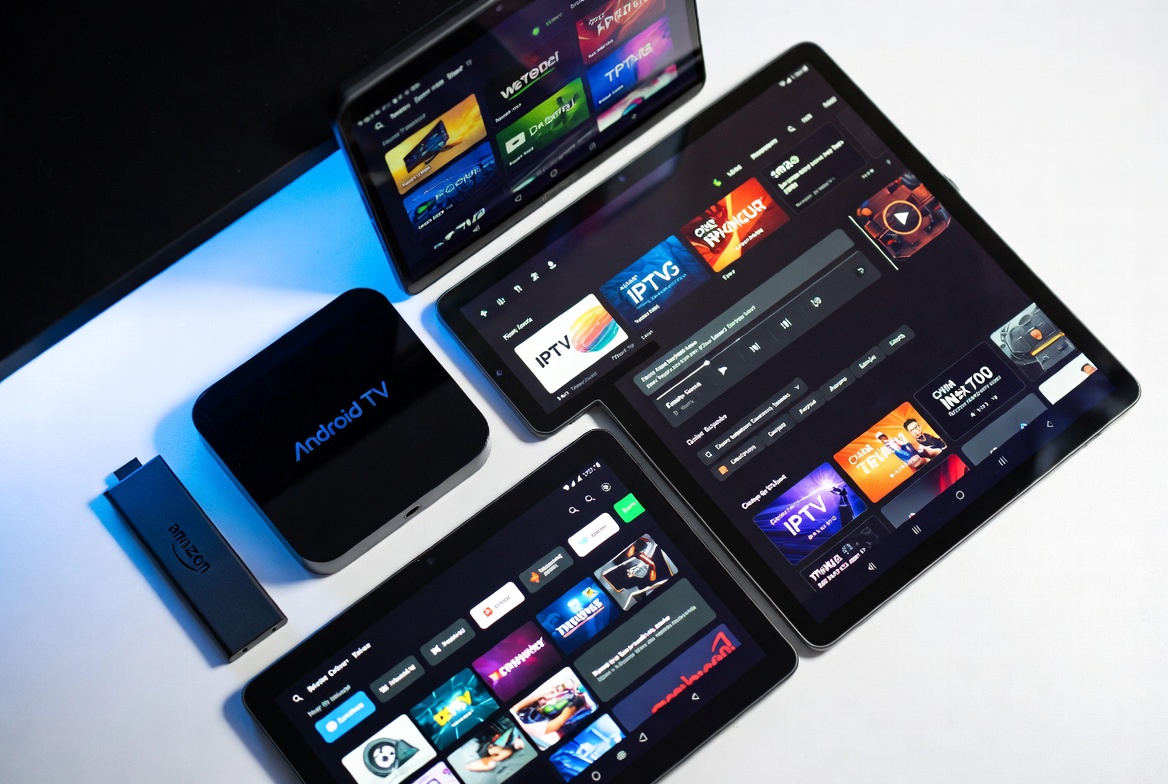
TiviMate Free Version & IPTV Smarters Pro Free Version 2026 — The Android & Firestick Trio Explained
These three apps dominate the Android TV and Fire TV space in 2026, and each one serves a different type of user.
- TiviMate is the most polished of the three. Its interface is clean, the channel guide looks like a real cable TV EPG, and it handles large playlists without slowing down. The free version is genuinely functional for basic streaming — you can add an M3U playlist, browse channels, and watch content without paying anything. TiviMate free version limits include no recording capability, no multi-screen viewing, and a cap on the number of playlists. For beginners, it’s the right starting point.
- IPTV Smarters Pro free version 2026 is the better choice if you already have a provider and want to enter Xtream Codes credentials directly. It supports M3U, Xtream API, and external media players, working across Android, iOS, and Fire TV Stick. The free version handles all core streaming functions — some organizational features require a paid unlock, but nothing blocks basic viewing.
- OTT Navigator sits between the two. Lighter on device resources than TiviMate, more powerful than Smarters for managing multiple playlists. Its filtering and sorting tools are excellent, though the initial setup takes a few more steps than the other two.
Before committing to any of these apps for Firestick or Android TV, it’s worth settling on your device first. The Firestick vs Android Box for IPTV comparison covers the hardware differences clearly — and once you’ve chosen your device, setup IPTV on it becomes much more straightforward with any of these three players.
Get a Free Trial for 24 Hours
Don’t wait, don’t hesitate. Claim your free IPTV trial right now and see the difference for yourself before you commit to anything.
Get My Free Trial →Best Open Source IPTV Player 2026 — Is Kodi Still Worth It?
Kodi remains the most powerful free IPTV option available — on paper. Open source, compatible with virtually every device, and capable of pulling content from more sources than any other free player. In terms of raw flexibility, nothing else at zero cost comes close. That’s why it earns the title of best open source IPTV player in 2026.
In practice, however, Kodi requires ongoing maintenance that most casual viewers won’t want to deal with. Kodi IPTV add-ons break when repositories update. The add-ons that worked six months ago may need manual updating today. The initial setup curve is steeper than TiviMate or Smarters, and troubleshooting requires comfort navigating menus that weren’t built for intuitive use.
If you’re technically comfortable and enjoy configuration, Kodi is still a great free hub. If you want to open an app and watch TV without debugging, the three apps above will cost you less frustration.
Plex Free Live TV Channels, Pluto TV & Legal Ad-Supported Streaming — The Most Underrated Option
This category gets dismissed too quickly, and that’s a mistake.
Plex free live TV channels in 2026 number over 300, spanning news, entertainment, lifestyle, and documentaries — all fully licensed, all stable, with zero M3U wrangling required. Pluto TV free streaming runs on a similar ad-supported model with 250+ channels and a growing international lineup. Samsung TV Plus and LG Channels add further free options for smart TV owners.
Neither platform will satisfy someone who needs live Premier League matches or niche international language channels. But for a household that wants reliable background TV without paying anything or dealing with questionable sources, these platforms are genuinely among the best IPTV free options available. No gray areas. No broken streams. Just legal, stable streaming.
Get a Free Trial for 24 Hours
Don’t wait, don’t hesitate. Claim your free IPTV trial right now and see the difference for yourself before you commit to anything.
Get My Free Trial →Free IPTV Apps Comparison Table — 2026
| App | Best For | Device Support | Free Version Usable? | Setup Difficulty | Xtream Codes Support |
| TiviMate | Beginners, clean UI | Android TV, Firestick | ✅ Yes | Easy | ✅ Yes |
| IPTV Smarters Pro | Provider users | Android, iOS, Firestick | ✅ Yes | Easy-Medium | ✅ Yes |
| OTT Navigator | Power users, multi-playlist | Android TV, Firestick | ✅ Yes | Medium | ✅ Yes |
| Kodi | Advanced/technical users | All major devices | ✅ Yes | Hard | Via add-ons |
| Plex Free Tier | Casual legal viewers | All major devices + Smart TV | ✅ Yes (ad-supported) | Very Easy | ❌ No |
| Pluto TV | Legal free streaming | All major devices + Smart TV | ✅ Yes (ad-supported) | Very Easy | ❌ No |
3. Free IPTV Trial 24 Hours No Payment — Best Premium Trials Available in 2026
Get a Free Trial for 24 Hours
Don’t wait, don’t hesitate. Claim your free IPTV trial right now and see the difference for yourself before you commit to anything.
Get My Free Trial →
Here’s something most free IPTV guides miss entirely: the highest-quality free IPTV experience in 2026 isn’t a free app at all. It’s a free trial from a premium provider.
Premium trials give you the full paid service — HD channels, VOD library, EPG data guide, multi-device access — at zero cost for a defined window. No unlicensed streams. No broken M3U playlist IPTV player issues. No legal ambiguity. Just premium IPTV working the way it’s supposed to, provided temporarily for evaluation.
What a Proper IPTV Free Trial Actually Includes — and Red Flags to Avoid
A legitimate free trial from a reputable IPTV provider includes all of the following:
- Full access to the complete channel lineup — not a limited preview
- VOD library access, including movies and TV series
- Accurate EPG data IPTV guide for scheduled viewing
- Same server infrastructure used by paying subscribers
- Customer support during the trial period
- No payment details required to activate
That last point matters most. A genuine IPTV free trial 24 hours no payment model means exactly that — you activate it without entering any billing information. If a provider asks for your card before giving trial access, you’re either being auto-enrolled into a subscription or the “trial” is simply a paid sign-up with a different label. Both are red flags. Move on.
Comparing Trial Offers — Nova Prime, Apollo Group, King IPTV Side by Side
Several providers currently offer genuine free trials worth evaluating in 2026:
- Nova Prime IPTV — 24-hour full-access trial. Complete channel lineup and VOD library, not a watered-down preview. No card required. The most streamlined trial activation process among current providers.
Nova Star IPTV – 36 Hour trial with Full access to their Channels and the VOD Collection - Apollo Group TV — 3-day trial with full HD channel access. The longer window is useful for thorough testing across multiple devices and peak viewing hours.
- King IPTV — 1-day trial with a focus on live sports content. A good choice if sports is your primary use case and you want to stress-test that category specifically.
When evaluating any trial, test three things specifically: channel stability during evening peak hours, whether your preferred content categories are fully represented, and how the stream performs compared to what you’d expect from IPTV vs cable TV in terms of reliability and picture quality.
Get a Free Trial for 24 Hours
Don’t wait, don’t hesitate. Claim your free IPTV trial right now and see the difference for yourself before you commit to anything.
Get My Free Trial →How to Get the Most Out of a Free IPTV Trial in 24–72 Hours
A trial period is only as useful as how you use it. Here’s a structured approach that covers everything important:
- First hour: Verify all your key content categories are present — sports, movies, news, international channels if relevant. Confirm the channel count matches what the provider advertises.
- Evening hours — the peak load test: Stream for at least one hour during prime time when thousands of other subscribers are also watching. This is your most important test. If the service holds up, then it holds up reliably under real conditions.
- Day two (if your trial allows): Test the VOD library — browse the movie and TV catalog, start a few titles, and check load times. Verify EPG data IPTV guide accuracy on channels you’d actually use for scheduled viewing.
- Device-specific test: Run the trial on the exact device you plan to use daily. A stream that works on your phone tells you nothing useful about performance on your Fire TV Stick or Android box.
By the end of structured testing, you’ll know definitively whether this provider is worth converting your IPTV free trial into a paid plan.
4. Free IPTV vs Paid IPTV — Which Is Better for Your Situation in 2026?
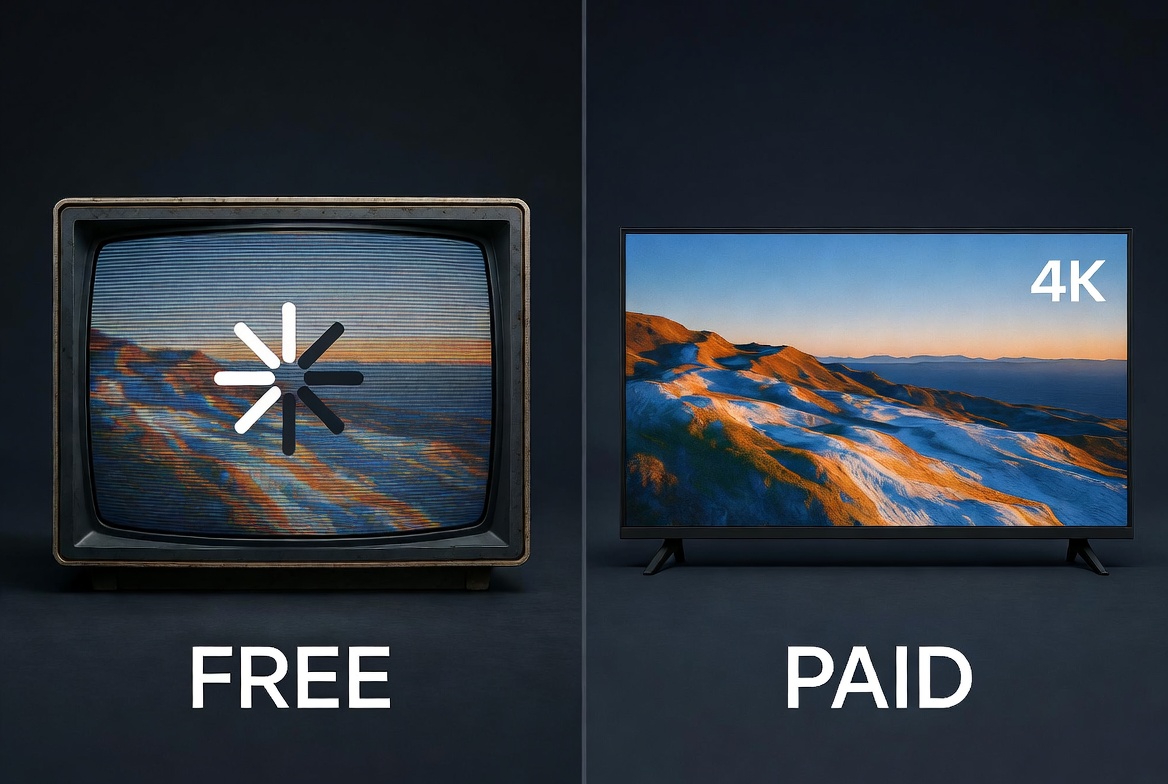
There’s no reason to oversell paid IPTV to readers who genuinely don’t need it. Free IPTV is the right choice for some people. Here’s an objective breakdown of where each option actually fits — no agenda either way.
Where Free IPTV Is Completely Fine — Use Cases Where You Don’t Need to Pay
Free IPTV works well for you if any of these apply:
- You watch TV occasionally rather than daily
- Your primary interest is news, lifestyle, or general entertainment — not live sports
- You don’t need specific international language channels
- You’re using a secondary device in a household where the main TV already uses a paid service
- You’re still learning what is IPTV and not ready to commit to anything yet
In these scenarios, Plex free live TV channels, Pluto TV free streaming, or TiviMate with a stable M3U playlist handle the job without issues. There’s no financial case for upgrading if free genuinely covers your needs.
Get a Free Trial for 24 Hours
Don’t wait, don’t hesitate. Claim your free IPTV trial right now and see the difference for yourself before you commit to anything.
Get My Free Trial →Where Free IPTV Consistently Falls Short — The Real Gaps in 2026
Free IPTV breaks down predictably in these specific areas:
- Live sports is the clearest failure point. Public M3U streams for major events drop during high-demand moments — finals, playoffs, championship matches — precisely when reliability matters most. A stream that worked fine for a midweek league game may be completely unwatchable during a Sunday cup final with hundreds of thousands of viewers trying to access the same free source.
- Consistent picture quality is the second gap. Free streams fluctuate between HD and standard definition depending on server load and time of day. What plays at 1080p at noon may drop to 480p by 9 PM — a problem that paid services with dedicated bandwidth simply don’t have.
- EPG data accuracy is the third issue. Free playlists often include EPG data that’s outdated, missing, or mapped incorrectly. Scheduled viewing becomes unreliable when the program guide can’t be trusted.
- IPTV buffering is the most common complaint among free users, and it’s directly tied to the lack of dedicated server infrastructure. Paid services invest in bandwidth management — free sources don’t have that same commitment to uptime.
For a full picture of how this stacks up against traditional pay TV, the IPTV vs cable TV comparison lays out every trade-off clearly.
Free IPTV vs Paid IPTV — Side-by-Side Comparison
| Feature | Free IPTV (Apps/M3U) | Legal Free (Plex/Pluto) | Paid IPTV |
| Cost | Free | Free (ad-supported) | $10–$20/month |
| Channel Stability | ❌ Inconsistent | ✅ Stable | ✅ Stable |
| Live Sports | ⚠️ Unreliable at peak | ❌ Limited/none | ✅ Full coverage |
| Picture Quality | ⚠️ Varies (480p–1080p) | ✅ Consistent | ✅ HD & 4K |
| EPG Data Guide | ⚠️ Often inaccurate | ✅ Accurate | ✅ Full & accurate |
| VOD Library | ⚠️ Limited/variable | ⚠️ Limited | ✅ Thousands of titles |
| Legal Standing | ⚠️ Gray area | ✅ Fully legal | ✅ Fully legal |
| Customer Support | ❌ None | ⚠️ Limited | ✅ 24/7 support |
| IPTV Buffering | ❌ Common | ✅ Rare | ✅ Rare |
| Setup Complexity | Medium | Very Easy | Easy with a trial |
At What Point Does Upgrading Actually Make Financial Sense?
The math is straightforward. Quality paid IPTV runs between $10–$20 per month, depending on the provider and plan length. Affordable IPTV subscription plans are available across monthly, quarterly, and annual tiers — so there’s no pressure to lock into a long contract upfront.
The tipping point comes when you add up the hidden time cost of free IPTV: hunting for working M3U playlists that still work in 2026, troubleshooting broken streams, switching sources when one goes down, and tolerating IPTV buffering during content you actually care about. For most regular viewers, that maintenance overhead stops feeling free fairly quickly.
Get a Free Trial for 24 Hours
Don’t wait, don’t hesitate. Claim your free IPTV trial right now and see the difference for yourself before you commit to anything.
Get My Free Trial →5. Making the Switch — From Free IPTV to a Paid Plan Without Wasting Money
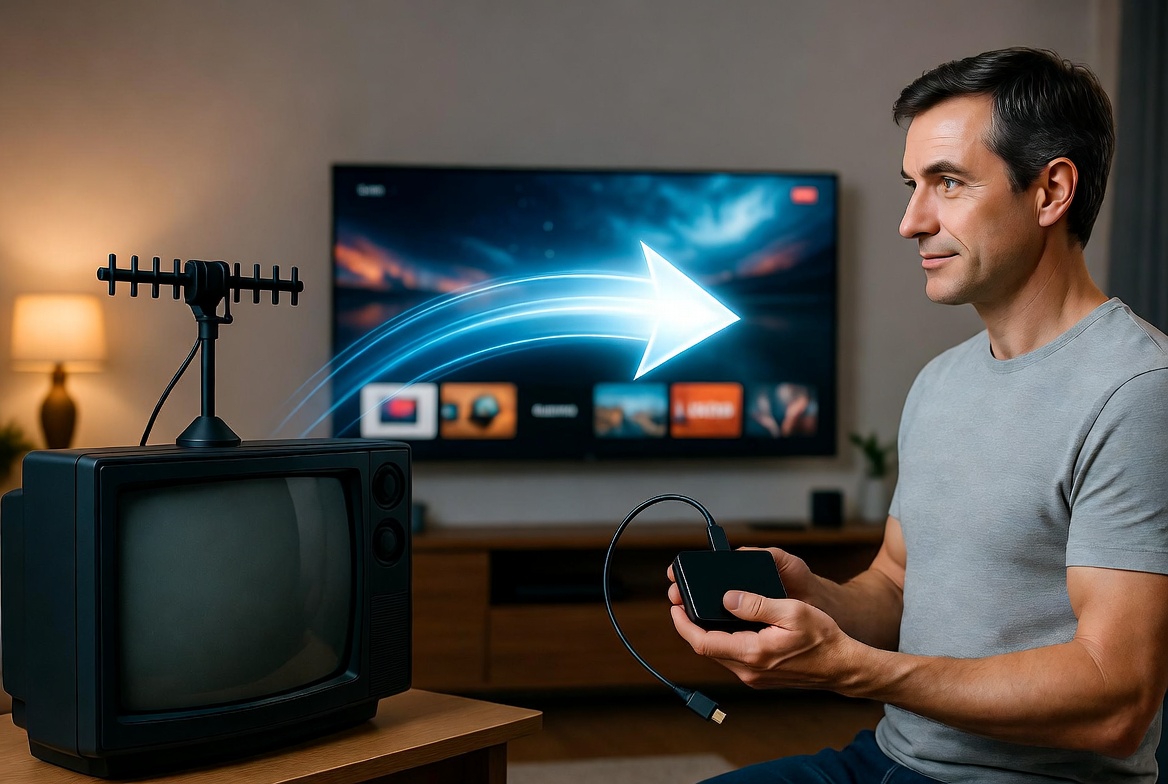
The good news about switching from free to paid IPTV is that your free experience has already taught you exactly what to look for in a paid service. You know your preferred device, your preferred app, your must-have content categories, and where free let you down. Use all of that as your evaluation checklist.
What to Look for in a Paid IPTV Provider After Using Free Services
When comparing paid providers, focus your assessment on these specific factors:
- Server uptime and reliability — Does the provider publish uptime data? Do reviews consistently mention stability or IPTV buffering issues?
- Channel count in your categories — A provider advertising 20,000 channels means nothing if your preferred content isn’t well represented. Verify that IPTV USA channels or your regional lineup is genuinely comprehensive.
- Multi-device support — Can you run the service on your Fire TV Stick, tablet, and Smart TV simultaneously, or is it limited to one connection?
- Accessible support — Check whether the provider offers real IPTV support through live chat or a responsive ticket system. A provider that’s hard to reach before you subscribe will be impossible to find when something breaks afterward.
Any provider that’s vague or evasive about these points isn’t worth your money regardless of price.
How Subscription Length Affects Value — Monthly, Quarterly, and Annual Plans
Most paid IPTV providers offer identical content across all subscription lengths — the only difference is the price per month. Here’s how to approach the decision sensibly:
- 1-month IPTV subscription — The right first step after a trial. Low financial commitment, easy to cancel if the service doesn’t hold up in daily use.
- 3 months IPTV subscription — A sensible middle ground once you’ve confirmed the service works on your specific setup. The per-month cost drops noticeably.
- 6 months IPTV subscription — Good value once you’ve spent a full month with a provider and trust their consistency.
- 1-year IPTV subscription — Best per-month value overall, but only sensible after thorough testing. Don’t jump to annual on your first paid plan.
Get a Free Trial for 24 Hours
Don’t wait, don’t hesitate. Claim your free IPTV trial right now and see the difference for yourself before you commit to anything.
Get My Free Trial →Nova Prime IPTV — Why It’s Worth Testing Before Committing to Any Long-Term Plan
Nova Prime IPTV’s 24-hour full-access trial is one of the most straightforward ways to experience premium IPTV without any financial exposure. The trial gives you the complete service — thousands of HD and 4K channels, full VOD library, multi-device access across Smart TVs, Firestick, Android, and iOS — activated without a credit card.
Their IPTV subscription plans are structured clearly with no hidden fees, and their support team is reachable during setup if anything doesn’t connect cleanly. For anyone making the transition from free IPTV, the Nova Prime trial is a practical, zero-risk way to understand what a properly run premium IPTV service actually delivers — before spending a single dollar. If you’re ready to compare options and find the best IPTV service for your needs, starting with a no-risk trial is always the smartest first move.
Final Thoughts
The best free IPTV apps and trials in 2026 break down into three clear tiers. Legal ad-supported platforms like Plex and Pluto TV are the safest and most stable free options for casual viewers. Player apps like TiviMate and IPTV Smarters Pro give you flexibility when paired with the right content source. And premium trials — particularly the 24-hour no-payment trial from Nova Prime — give you the clearest possible picture of what a properly run paid service delivers, at zero cost.
Start with what’s free. Test what’s available. And when free starts costing you time rather than saving you money, you’ll know exactly where to go next.
Get a Free Trial for 24 Hours
Don’t wait, don’t hesitate. Claim your free IPTV trial right now and see the difference for yourself before you commit to anything.
Get My Free Trial →FAQs About the Best Free IPTV Apps and Trials in 2026
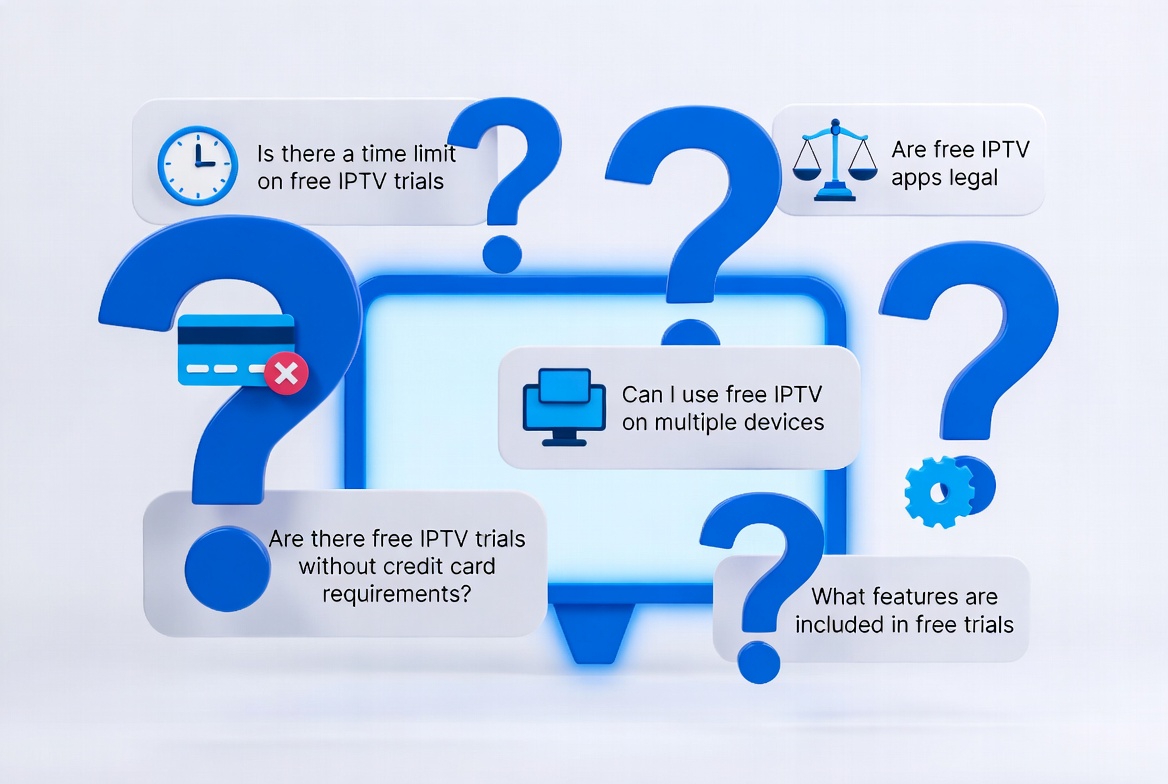
Can I Use Free IPTV Permanently Without Ever Paying?
Yes — nothing stops you. Apps like TiviMate and Plex free live TV channels don’t expire, and M3U playlists that still work in 2026 remain accessible as long as the source stays online. For light, occasional viewing, permanently free IPTV is a viable option.
For regular daily viewing — especially live sports, HD content, or international channels — the instability of free sources becomes genuinely disruptive over time. Most consistent viewers eventually reach a point where the time cost of maintaining free sources outweighs the financial savings of a paid plan running at $10–$15 per month.
Do Free IPTV Trials Require a Credit Card or Payment Details?
Legitimate free trials from reputable providers do not require payment information upfront. A genuine IPTV free trial 24 hours no payment model means exactly that — no card, no billing details, just instant activation. Nova Prime’s 24-hour trial works this way. If a provider asks for your card before giving trial access, treat it as a red flag — you’re likely being auto-enrolled or the “trial” is a paid sign-up rebranded.
Which Free IPTV App Works Best on Smart TV?
For Smart TV users, Plex’s free live TV channels is the most seamless option — it’s available natively on Samsung, LG, Sony, and most other smart TV platforms without any sideloading. Pluto TV free streaming is similarly native on most Smart TV operating systems. If you want a player app with M3U Xtream Codes setup capability on Smart TV, TiviMate works on Android TV-powered sets, while IPTV Smarters Pro covers a broader range of Smart TV operating systems.
Is TiviMate Free Forever or Does the Free Version Expire?
TiviMate’s free version doesn’t expire — it remains functional indefinitely. The free tier gives you full playback capability with M3U playlist support. TiviMate free version limits are feature-based rather than time-based: no recording, no multi-screen view, and a playlist cap. The premium unlock is a one-time purchase rather than a subscription, which makes it one of the more honest freemium models in the IPTV app space.
How Do I Set Up a Free IPTV App for the First Time?
The process is consistent across most apps: download the app on your device, open settings, navigate to the playlist or provider section, and enter either an M3U URL or your provider’s Xtream Codes credentials — username, password, and server URL. Our full step-by-step guide on how to setup IPTV covers every major device including Firestick, Android TV, and Smart TV in detail.
Is Free IPTV Legal in 2026?
The app is always legal. The content source determines legality. Ad-supported platforms like Plex and Pluto TV are fully licensed and completely legal. Public M3U playlists vary — some carry licensed content, many don’t. In 2026, enforcement actions against unlicensed IPTV sources have increased across North America and Europe, with several major repositories shutting down. If legal certainty matters to you, stick with licensed free platforms or a paid provider with clear terms of service.
Get a Free Trial for 24 Hours
Don’t wait, don’t hesitate. Claim your free IPTV trial right now and see the difference for yourself before you commit to anything.
Get My Free Trial →
1 thought on “Best Free IPTV Apps & Trials in 2026: What Still Works, What Doesn’t, and What’s Worth It”
Pingback: Is IPTV Legal? Laws, Risks & Safe Streaming Guide 2026