
Note: This guide covers the foundational question of what IPTV is and how it works. For a deeper technical breakdown of the delivery process, see our companion guide on how IPTV works, and for a full glossary of terminology, see our IPTV terms explained guide.
If you have been exploring alternatives to traditional cable or satellite television, you have almost certainly come across the term IPTV. Understanding what IPTV actually is, and how it delivers television content in a completely different way than the technology you grew up with, makes it much easier to decide whether it is the right fit for your household. This complete guide explains what IPTV stands for, how it technically works from start to finish, the different types of IPTV available, how it compares to cable and streaming apps, what devices and internet speed you need to get started, and how to choose a provider you can trust.
What Does IPTV Stand For?
Before exploring how the technology works, it helps to start with a clear, simple definition.
Internet Protocol Television Explained in Simple Terms
IPTV stands for Internet Protocol Television. It is a system that delivers television content, including both live channels and on-demand programming, over an internet protocol network rather than through the traditional broadcast methods used by cable, satellite, or terrestrial antenna television. In plain terms, instead of your television tuning into a signal sent over the airwaves or through a coaxial cable, your device requests and receives a video stream over the same type of internet connection you use for browsing the web.
Why IPTV Is Called “IP” Television
The “IP” in IPTV refers to internet protocol, the same underlying communication standard that powers nearly everything you do online. This distinction matters because it explains why IPTV behaves so differently from traditional television. Rather than broadcasting every channel simultaneously and letting your television tune into whichever one you select, an IPTV service sends you only the specific stream you actually request, at the moment you request it. This single difference in delivery method is what makes IPTV more flexible, more content-rich, and often more affordable than the television formats it is replacing.
How Does IPTV Work?
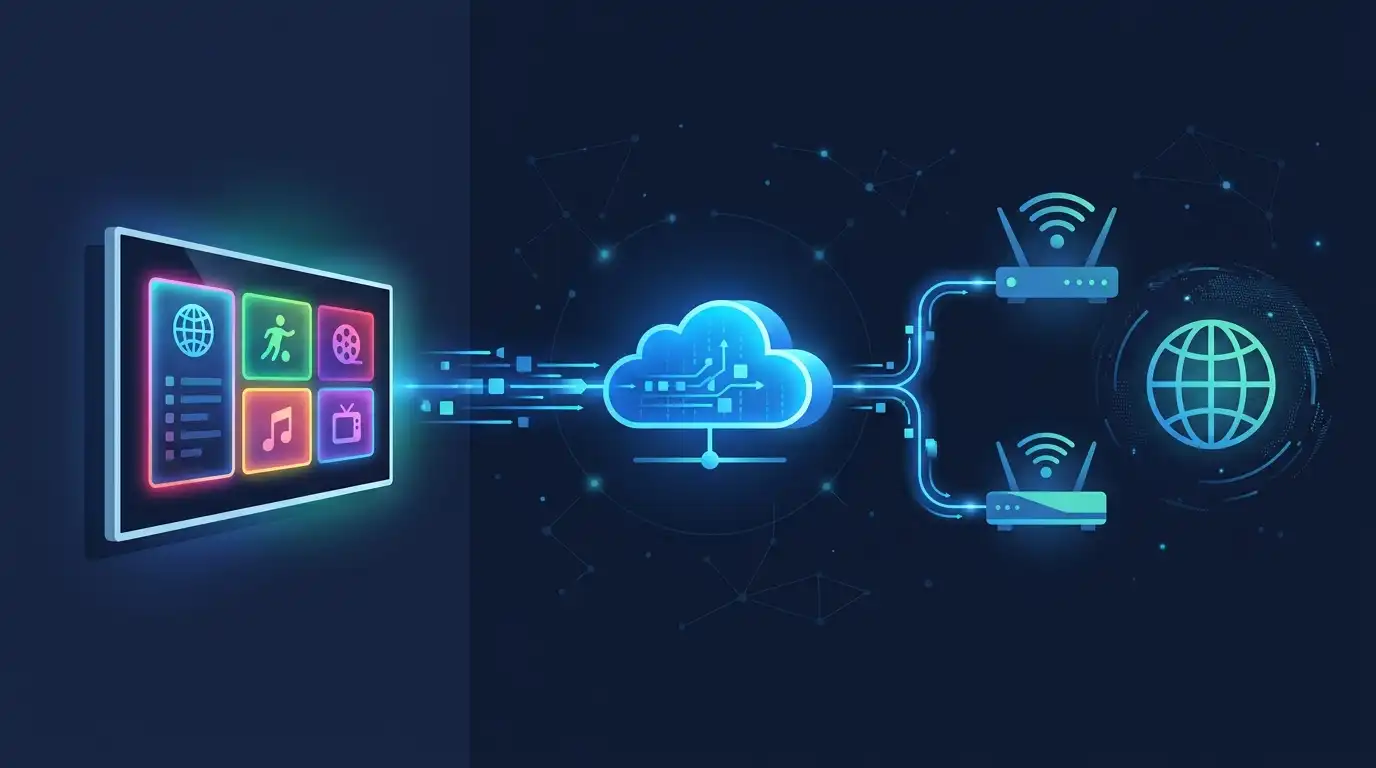
Understanding the journey a stream takes from its original source to your screen makes the entire technology far less mysterious.
Step 1: Content Acquisition at the Headend
Every IPTV service begins at what is known as the headend, the operator’s central facility where content is gathered from various sources, including live broadcast feeds, recorded programming, and video-on-demand libraries. This is the starting point for everything that eventually reaches your screen.
Step 2: Encoding and Compression
Raw, uncompressed video is far too large to send efficiently over any practical internet connection. At this stage, the content is encoded and compressed using video codecs, technical standards designed to shrink file sizes dramatically while preserving picture quality. This compression step is essential; without it, streaming even a single high-definition channel would require far more bandwidth than most home internet connections can realistically provide.
Step 3: Middleware and Content Management
Once encoded, content passes through what is called middleware, the software layer responsible for organizing channel lineups, powering the electronic program guide, handling user authentication, and managing subscription access. Middleware is essentially the behind-the-scenes engine that keeps everything organized and ensures the right content reaches the right subscribers.
Step 4: Delivery Over the Network
From there, content travels across the internet to your device. Live channels are frequently delivered using a method that allows one stream to efficiently reach many viewers simultaneously, which is part of why IPTV can scale to serve large numbers of subscribers without overwhelming network capacity. On-demand content, by contrast, is typically delivered individually to each viewer as it is requested, since everyone may be watching something different at any given moment.
Step 5: Playback on Your Device
Finally, the stream reaches your smart TV, streaming device, smartphone, or tablet, where an IPTV application decodes the signal and displays it on screen. This same application typically handles interactive features like pausing, rewinding, and navigating the program guide, giving you a viewing experience that feels far more flexible than traditional broadcast television.
The Three Types of IPTV
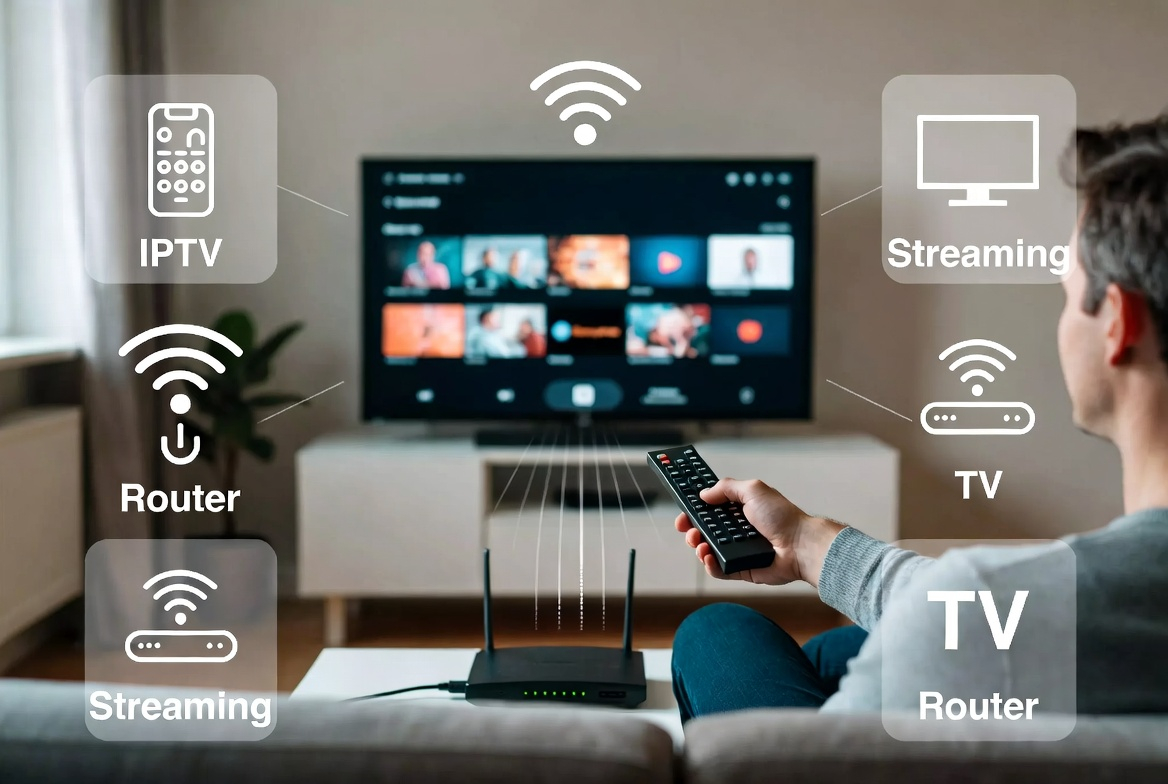
IPTV is not a single, uniform experience. It generally falls into three distinct categories, each serving a different viewing need.
Live IPTV
Live IPTV mirrors the traditional television experience most closely, delivering channels in real time exactly as they are broadcast. This is the category most people think of first when they picture IPTV, since it replicates the live news, sports, and entertainment programming that cable and satellite subscribers are used to.
Video on Demand (VOD)
Video on demand allows you to browse a library of movies, series, and other pre-recorded content and watch whatever you choose, whenever you choose it. Rather than waiting for a scheduled airing, VOD puts you in control of what plays and when.
Time-Shifted and Catch-Up TV
Time-shifted television, sometimes called catch-up TV, lets you watch programming that already aired live at an earlier time. If you missed a show or game when it originally broadcast, this feature allows you to go back and watch it later, combining the immediacy of live television with the flexibility of on-demand viewing.
IPTV vs Traditional Cable and Satellite TV

Seeing these two delivery methods compared side by side makes the practical differences much easier to understand.
|
Factor |
IPTV |
Cable / Satellite TV |
|
Delivery method |
Internet protocol network |
Coaxial cable or satellite signal |
|
Equipment needed |
Smart TV, streaming device, or app |
Set-top box, satellite dish, or cable box |
|
Channel access |
Streams requested content on demand |
Broadcasts all channels simultaneously |
|
Flexibility |
Watch on multiple devices, anywhere with internet |
Typically tied to one location and box |
|
Contracts |
Often flexible, short-term plans available |
Frequently requires long-term contracts |
|
Installation |
App-based, minimal setup |
Often requires professional installation |
For a deeper look at this comparison specifically, see our full guide on IPTV vs cable and IPTV vs satellite TV.
IPTV vs OTT Streaming: What Is the Difference?
IPTV and OTT, meaning over-the-top streaming, both deliver video over the internet, but the two are not identical.
Network Control Is the Core Distinction
True IPTV typically runs over infrastructure where the provider has more direct involvement in bandwidth allocation and stream delivery. OTT services, by contrast, run over the public internet on a shared, best-effort basis, meaning your streaming quality can be influenced by general network congestion in ways that more managed IPTV delivery aims to minimize.
Content Format Differences
IPTV commonly blends live channels with on-demand content in a single unified package, similar to a traditional television experience. OTT platforms tend to focus primarily on on-demand libraries, often with more limited live programming. For a closer comparison of these two categories, see our guide on IPTV vs streaming apps.
Which One Fits Your Needs?
If you want a cable-like experience with live channels, an electronic program guide, and integrated on-demand content in one place, IPTV is generally the better fit. If your priority is casual, on-demand viewing without live television, an OTT-only approach may be sufficient on its own.
What Devices Can You Use for IPTV?
One of the biggest advantages of IPTV is how broadly compatible it is across the devices you likely already own.
Smart TVs
Most modern smart TVs, including popular Samsung, LG, and Android TV models, can run IPTV applications directly, letting you stream without any additional hardware.
Firestick and Streaming Devices
Amazon Firestick and similar streaming devices are among the most popular ways to bring IPTV to an older television that lacks built-in smart features. Our dedicated guide on the best IPTV for Firestick walks through everything you need to get started on this specific device.
Android Boxes
Android boxes offer similar functionality to a Firestick, often with additional customization options. If you are deciding between the two, our comparison of Firestick vs Android Box for IPTV breaks down the practical differences to help you choose.
Smartphones and Tablets
IPTV applications are also widely available for smartphones and tablets, letting you watch live channels and on-demand content while away from your television entirely.
What Do You Need to Get Started With IPTV?
Getting started with IPTV involves just a few essential requirements, each of which plays a specific role in your overall experience.
A Stable Internet Connection
Since IPTV streams over your internet connection rather than a dedicated broadcast signal, connection speed and stability directly affect picture quality and buffering. Our detailed guide on how much internet speed you need for IPTV breaks down specific speed recommendations for standard, high, and 4K definition streaming.
A Compatible App or Device
You will need a smart TV, streaming device, smartphone, or tablet capable of running your chosen provider’s application. As covered above, most modern devices already meet this requirement without any additional purchase.
A Subscription Plan
Finally, you will need an active subscription with an IPTV provider. Many providers, including Nova Prime IPTV, offer a free trial so you can test everything firsthand before committing to a paid plan, along with flexible pricing options once you are ready to subscribe.
<!– CTA CARD PLACEMENT: Insert mid-article after this section –>
Benefits of IPTV
Once the technology itself makes sense, the practical advantages become much easier to appreciate.
- Flexibility across devices. Watch on your smart TV, phone, tablet, or streaming device, often switching between them freely.
- Content variety. Access a wide range of live channels alongside a substantial on-demand library, all through a single application.
- Competitive pricing. IPTV plans frequently offer more competitive pricing than traditional cable packages, without requiring long-term contracts.
- No bulky equipment. Skip the satellite dish, cable box, and professional installation appointment entirely.
- Enhanced features. Enjoy an electronic program guide, catch-up viewing, and multi-device support that traditional broadcast television simply cannot match.
- HD and 4K quality. Modern IPTV services increasingly support high-definition and 4K streaming, often rivaling or exceeding traditional broadcast quality.
Is IPTV Legal?
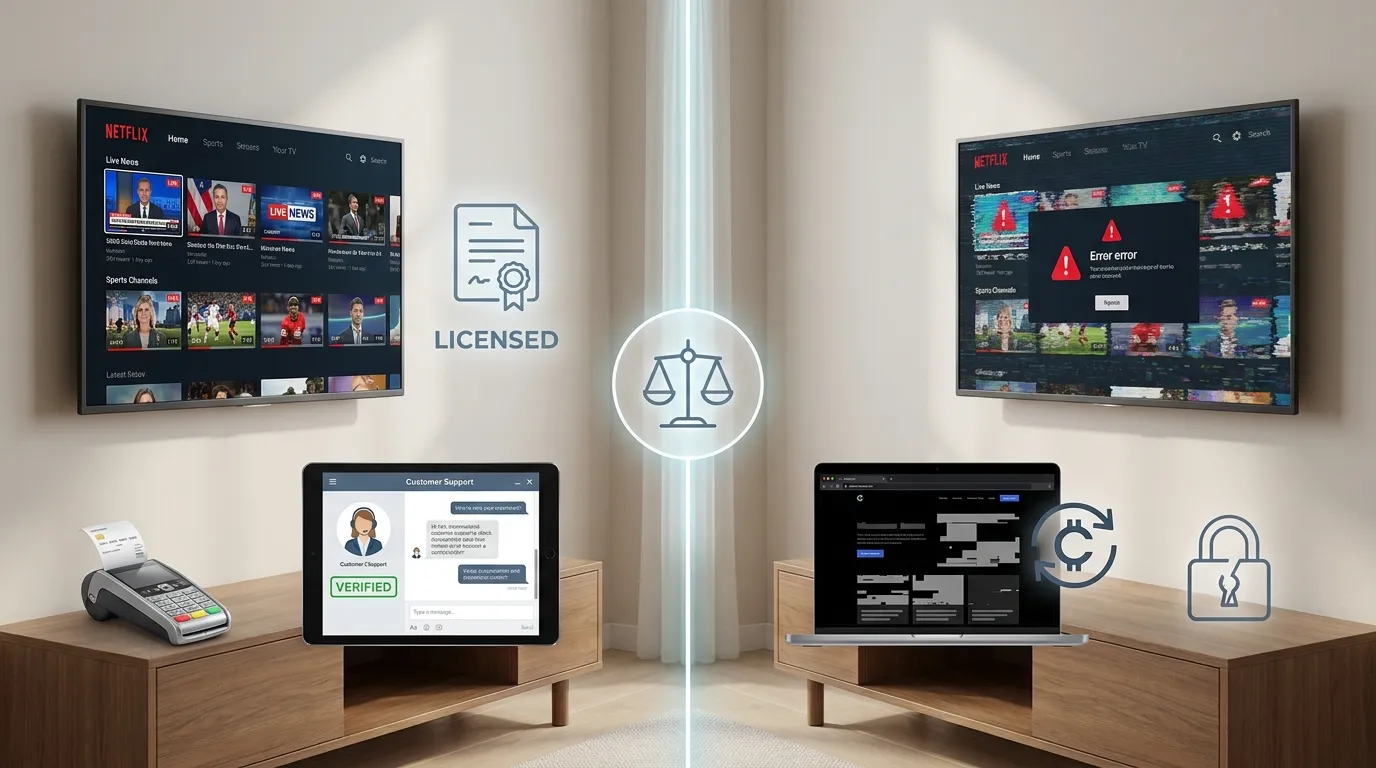
This is one of the most common questions new viewers ask, and the honest answer depends on the specific provider and content involved.
The Technology Itself Is Not the Issue
IPTV as a delivery method is simply a way of streaming television over the internet, the same underlying category that includes many well-known, fully licensed streaming services. The technology itself carries no inherent legal risk.
Licensing Is What Determines Legality
What actually determines whether a specific IPTV service is operating legally is whether it has secured proper rights to distribute the channels and content it offers. Our region-specific guides cover this in detail for the USA, the UK, and Canada, while our guide on IPTV legal risks explains what can go wrong when a provider is not properly licensed.
How to Choose an IPTV Provider

Selecting the right provider matters just as much as understanding the technology itself.
Look Beyond Channel Count and Price Alone
A provider offering an enormous channel count for an unusually low price is a pattern worth examining carefully rather than treating as an obvious bargain. Our complete guide on how to spot a legal IPTV provider walks through the specific signals that separate a properly licensed provider from one that is not.
Evaluate Service Quality, Not Just Legal Status
Beyond legality, service quality matters just as much for your day-to-day experience. Our guide on legitimate IPTV providers covers the trust signals that indicate responsive support, fair refund policies, and consistent streaming reliability.
Compare Your Options Directly
If you want a broader starting point, our guides on the best IPTV services in the US and affordable IPTV subscription plans can help you compare specific options against your budget and viewing needs.
Common IPTV Terms to Know
As you continue researching IPTV, you will likely come across a range of technical terms and abbreviations. Rather than repeating that full breakdown here, our complete IPTV terms explained glossary covers everything from basic vocabulary to more advanced protocol terminology in one dedicated resource.
Frequently Asked Questions
What does IPTV mean in simple terms?
IPTV stands for Internet Protocol Television. It means television content delivered over an internet connection instead of traditional cable, satellite, or antenna broadcast signals.
Do I need special equipment for IPTV?
In most cases, no. A smart TV, streaming device such as a Firestick, smartphone, or tablet, combined with a stable internet connection, is generally all you need to get started.
Is IPTV the same as streaming apps like Netflix?
Not exactly. IPTV typically combines live television channels with on-demand content in one unified package, while many popular streaming apps focus primarily on on-demand libraries with more limited live programming.
How much internet speed do I need for IPTV?
Speed requirements vary depending on resolution, with 4K streaming requiring considerably more bandwidth than standard or high definition. Our dedicated internet speed guide provides specific recommendations for each quality level.
Can I try IPTV before subscribing?
Yes. Many providers, including Nova Prime IPTV, offer a free trial period, giving you the opportunity to test streaming quality, device compatibility, and channel selection before committing to a paid subscription.
Is IPTV legal to use?
IPTV as a technology is not inherently illegal. Legality depends on whether the specific provider you choose has properly licensed the content it distributes, which is why evaluating a provider carefully before subscribing matters.
Ready to Experience IPTV for Yourself?
Now that you understand exactly what IPTV is and how it works, the best next step is to see it in action. Open your free 24-hour IPTV trial today and experience live channels, on-demand content, and multi-device streaming firsthand.
3 thoughts on “What is IPTV? Complete Guide for Beginners (How It Works, Benefits & Devices)”
Pingback: Why Nova Prime IPTV is the Best IPTV Choice in 2026
Pingback: Best Free IPTV Apps and Trials 2026: What Works, What Doesn't & What's Worth It
Pingback: How to Build Your Own IPTV Server at Home